V25.10.10.1
v25.10.10.1
We're excited to announce a significant update to the VantEdge Wheelhouse interface! We've implemented our new, modern sidebar navigation, consolidating all application modules into a single, powerful, and intuitive component. This change is designed to streamline your workflow and make navigating the platform faster and more efficient.
Key Features
- All-in-One Navigation: All primary sections of Wheelhouse, from Rail and Truck management to Reports and Configuration, are now accessible from a single, persistent sidebar on the left side of your screen. No more switching between different menu areas!
- Clear, Hierarchical Structure: We've organized menu items into logical groups with clear headers (e.g., Rail, Truck, TerminalSync). Sub-items are nested, allowing you to easily drill down to the specific page you need.
 The new unified sidebar provides access to all modules in one place.
- Space-Saving Collapsible Mode: Need more room for your data? Simply click the arrow at the bottom of the sidebar to collapse it into a sleek, icon-only view. Hovering over icons will still show you the page name for quick reference.
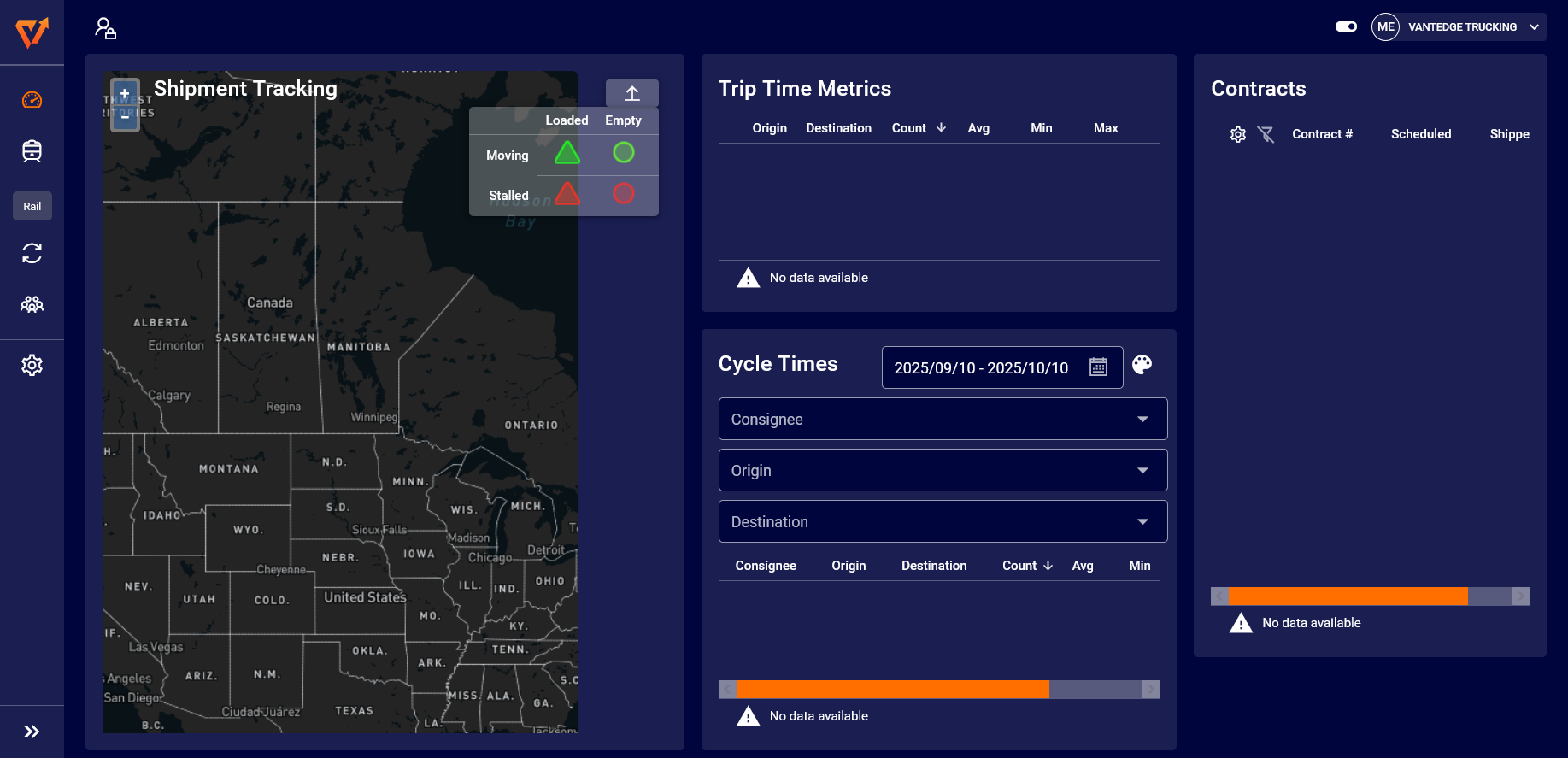 Collapse the sidebar for a focused, icon-only navigation experience.
How This Improves Your Workflow
This redesign is more than just a new look. It's about making your job easier:
- Faster Navigation: Spend less time searching for the right page and more time getting work done.
- Improved Context: The persistent menu helps you understand where you are within the application at all times.
- More Screen Real Estate: The collapsible mode provides maximum space for complex data views like the Yard Layout and data tables.
What's Next
This is the first major step in our ongoing effort to enhance the Wheelhouse user experience. As you noted, we are already working on the next phase, which includes integrating the Facility Selector and global breadcrumbs directly into the main header to further declutter and unify the interface.
We're confident this new sidebar will significantly improve your daily operations. As always, we welcome your feedback.