Single Sign On (SSO)
To Begin
-
Contact the Wheelhouse support team to enable single sign on for your organization.
-
After receiving confirmation, the Wheelhouse administrator assigned by your organization will be responsible for creating new users as outlined below.
-
All new and existing users within that company will be required to sign into Wheelhouse via SSO.
How To Use
-
The Wheelhouse administrator adds a new user on Wheelhouse by following these guidelines:
-
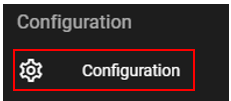
Navigate to "Configuration" in the menu bar.
-
Select the "User Administration" tab.

-
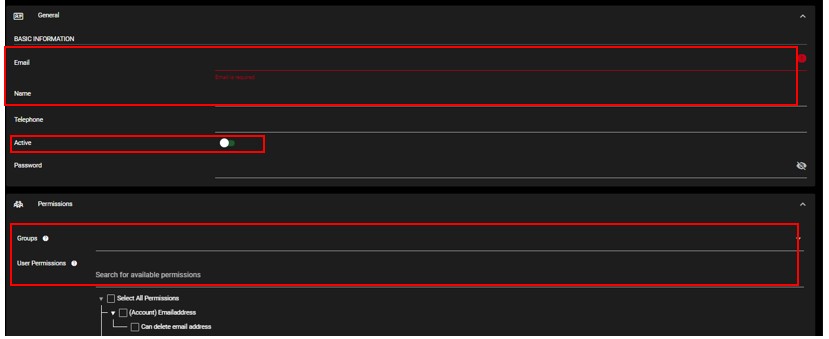
Click on Add User and fill out the necessary parts of the form, especially the fields highlighted.
-
-
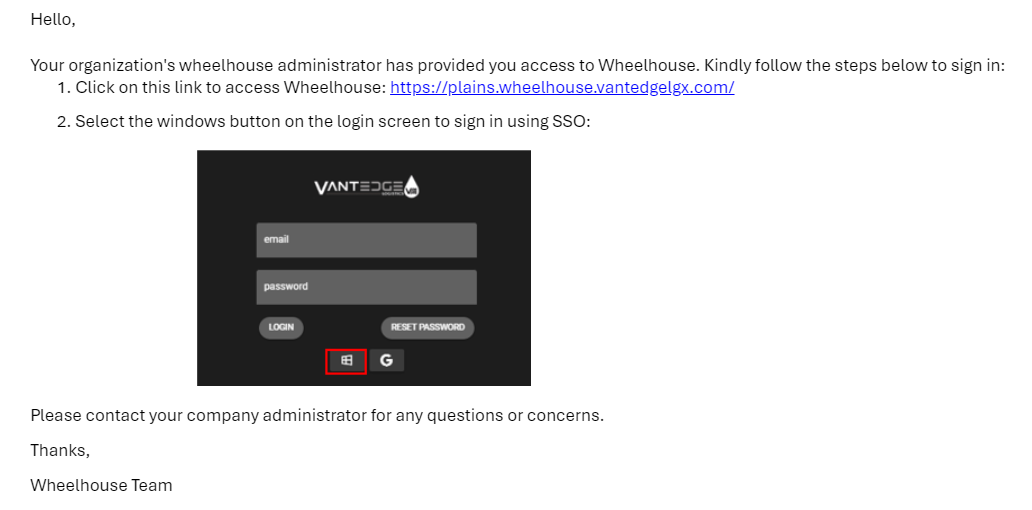
An email is automatically sent to the new user by Wheelhouse to click on the link provided, as well as steps to use SSO sign in.
-
The new user is now able to sign into Wheelhouse using SSO only.
-
If the organization deactivates any users email, their Wheelhouse account will be deactivated as well.