Certification Types
In the Certification Management section, users can oversee various certificates and ensure compliance with industry standards or company-specific requirements. This feature facilitates the addition of new certificate types as well as the management of existing ones.
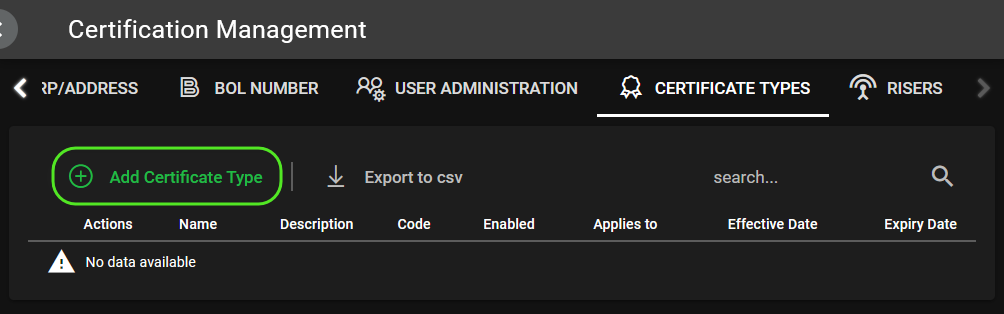
To add a new certificate type:
- Click the 'Add Certificate Type' button to open the certificate detail form.
- Toggle 'Enable' to activate the certification.
- Fill in the certificate's basic information, such as Name, Code, Effective Date, Expiry Date, and the entities it applies to.
- If applicable, provide a detailed description to clarify the certificate's purpose and scope.
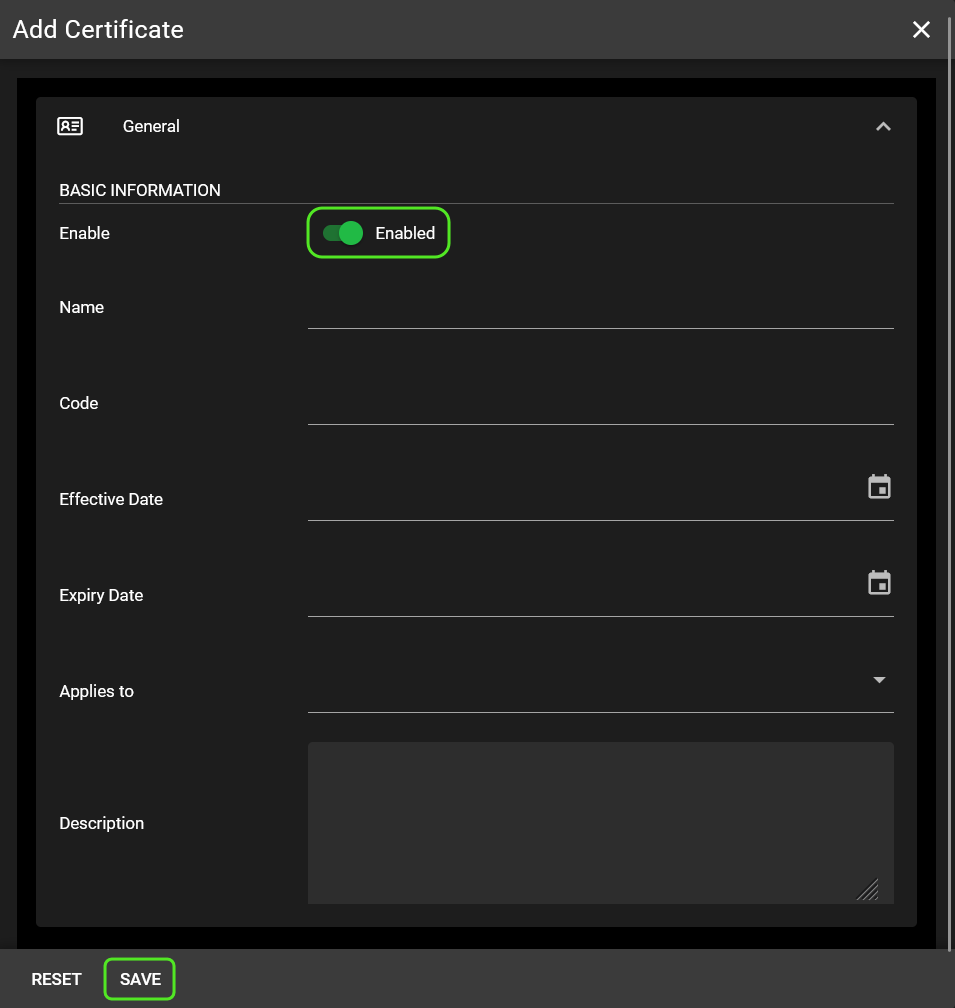
Review the details carefully. Once all the information is accurate and complete, click 'Save' to record the new certificate type and incorporate it into the system.
The new entry will be visible in the Certification Management table and applicable throughout the software wherever certificates are required or referenced.