Contract Preferences
In the Contract Preferences section, adjust threshold percentages for contract performance indicators. Specifically, the amount of cars shipped to date and the number of cars to be shipped from contract shipping schedules.
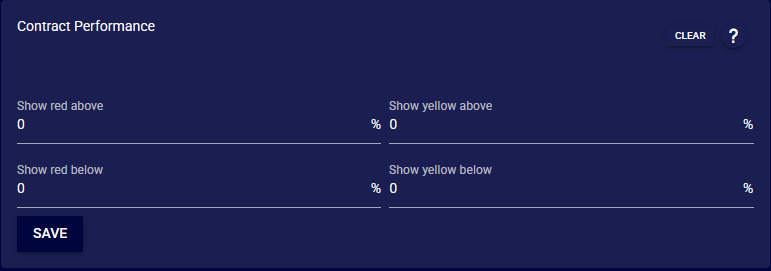
Set the 'Show red above' and 'Show red below' to define performance levels that warrant attention. The same is done for 'Show yellow above' and 'Show yellow below' for cautionary levels.
After configuring these parameters, click 'Save' to apply the changes. This saved change will be applied to contracts and can be seen on the 'Dashboard' and 'Contract' modules.